Water drop icon on Samsung: What the notification means and how to dry your phone safely
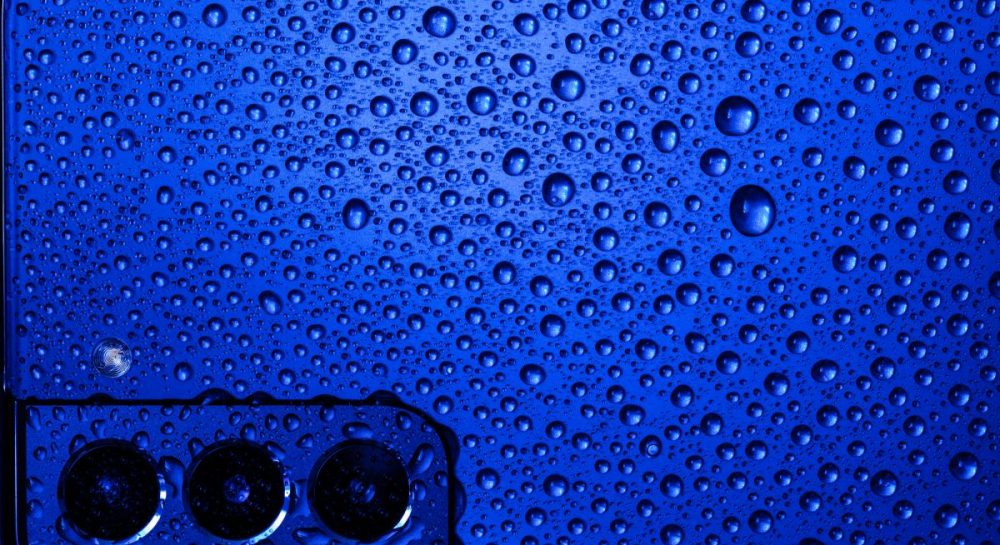
The appearance of a water drop icon on Samsung smartphones warns users about moisture in the USB-C port. The manufacturer outlines safe drying methods and common mistakes to avoid.
 💡Tech
Photo: UNIAN
Key points
- The water drop icon indicates moisture in the USB-C port.
- Wired charging is temporarily blocked for safety reasons.
- Using rice or a hot hair dryer for drying is strictly discouraged.
Samsung smartphone users occasionally encounter a system warning featuring a water drop icon. This indicator activates when built-in sensors detect moisture levels exceeding safety thresholds inside the USB-C port or casing. Although many Galaxy models feature high-level water resistance, total protection cannot be guaranteed against all types of liquid exposure.
How to handle the moisture warning
When this alert triggers, the device temporarily disables wired charging to protect internal electrical components from short-circuiting. Users can still utilize wireless charging if the exterior of the phone is completely dry. Experts recommend gently wiping the device with a clean cloth and shaking it downwards 5 to 10 times with the charging port facing the floor.
Manufacturers strongly advise against traditional myths, such as placing a wet phone into a bowl of uncooked rice, which is ineffective and may clog the port with dust and starch. Similarly, using a hair dryer with hot air can cause internal damage. Instead, leaving the smartphone in a well-ventilated area or directing a cool airflow from a fan toward it is recommended.
Source UNIAN — unian.ua/techno/gadgets/samsung-blokuye-zaryadku-shcho-oznachaye-zn… ↗
Read next
 🏙️City
Icy roads: meteorologists warn of danger on November 25
The Ukrainian Hydrometeorological Center has issued a Level 1 weather alert due to icy road conditions in Kyiv and the surrounding region.
 🚌Transport
Fuel prices in Ukraine are falling: experts predict further decline
Over the next 7-10 days, the cost of gasoline and diesel fuel at Ukrainian gas stations is expected to decrease by another 6-7 hryvnias.
 💼Economy
Putin threatens retaliation for attacks on Russian oil refineries
Vladimir Putin claimed that Ukraine continues to target Russian refineries despite US requests, promising a response.
 👥Society
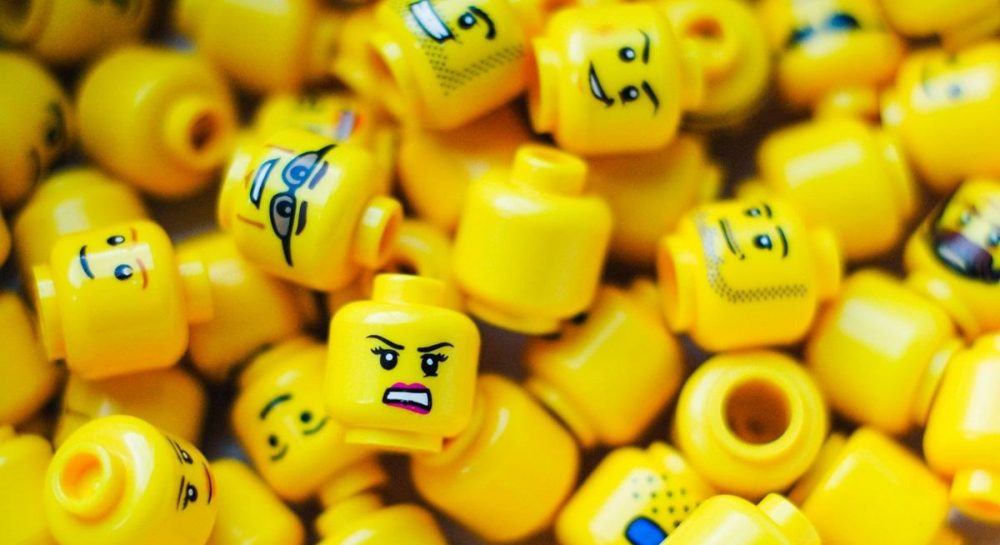
The LEGO design secret: why minifigure head holes save lives
The small hole in a LEGO minifigure's head serves a crucial safety function beyond just design.
 💼Economy
How to prepare for the New Year holidays in Pryluky wisely: saving tips
Preparation for the New Year holidays is often accompanied by significant expenses. Experts recommend planning a budget and avoiding impulsive purchases to save money.
 🏛️Politics
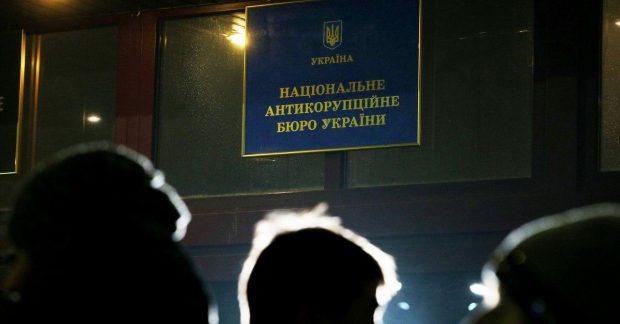
Debate over accountability of anti-corruption bodies: absence at the parliamentary commission
Heads of NABU and SAP missed a parliamentary commission meeting due to foreign business trips, sparking a debate on the priority of parliamentary oversight.